Suite 105 · Reviews
More honest reviews, asked at the right moment
The mortgage reviews engine asks every closed client for a review, from their own loan officer, at the moment they are happiest, and shows the reviews you have the right to display on LO and branch pages.
The review loop
Four steps from closing to social proof
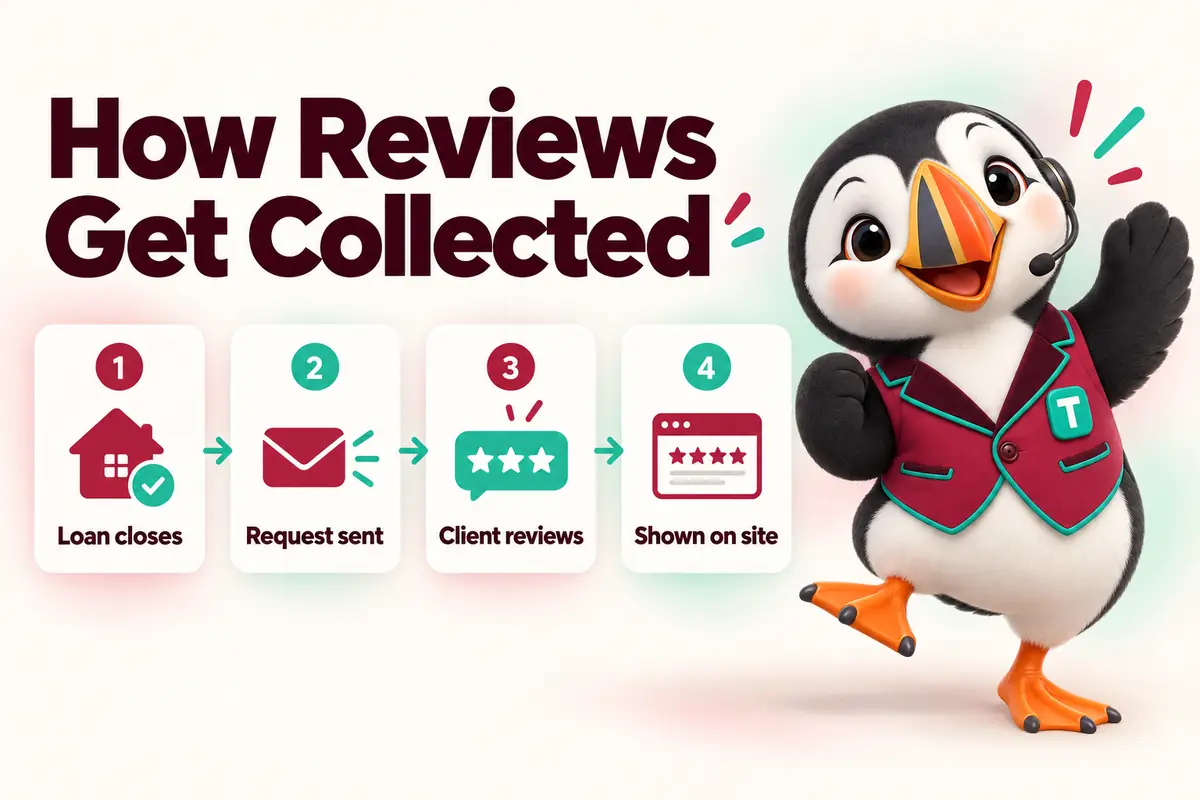
-
Stage 1 of 4
Loan closes
Moving a contact to Closed starts the sequence. Nothing goes out the same minute; the thank-you comes first.
- Thank-you message from the LO
- Closing anniversary saved
-
Stage 2 of 4 · day 3
Request sent
A short, personal request from the LO with the review links you choose (for example your Google Business Profile, or Zillow or Experience.com if you use them).
- Text or email, based on consent
- One reminder after a week, then stop
-
Stage 3 of 4
Client reviews
The client reviews on the platform of their choice. Private feedback can also go straight to the LO and branch manager.
- No review gating
- Concerns routed to the manager
-
Stage 4 of 4
Shown on site
Reviews you have the right to display appear on the LO page and branch page, with the platform and date, linking back to the source.
- Per-LO and per-branch feeds
- Never edited, never fabricated
Rules we follow
Reviews that would survive an audit
The FTC’s rule on consumer reviews and testimonials took effect in 2024 (FTC rule on consumer reviews and testimonials (16 CFR Part 465)). It prohibits fake reviews, buying positive reviews and suppressing negative ones. Our engine is built around those lines.
Ask the front desk
Questions about the reviews engine

-
YouHow does the reviews engine work?
Funnel Suite teamWhen a loan moves to Closed, the suite sends a thank-you, then a review request from the loan officer with the review links you choose. Reviews you have permission to show appear on the LO and branch pages. Everything is logged on the contact.
-
YouWhich review sites can we send people to?
Funnel Suite teamAny platform where you have a profile: commonly Google Business Profile, and mortgage-specific platforms your company already uses. We link to them; we do not claim an integration with any of them.
-
YouDo you only ask happy clients for reviews?
Funnel Suite teamNo. Asking only clients you expect to be positive ("review gating") is prohibited by several platforms and can be deceptive under the FTC’s rule on consumer reviews (FTC rule on consumer reviews and testimonials (16 CFR Part 465)). Every closed client gets the same request; private feedback is an extra option, not a filter.
-
YouCan we show reviews on our site?
Funnel Suite teamYes, reviews you have the right to display, shown with the reviewer’s first name or initials, the platform, the date and a link to the original. We never edit, combine or invent reviews.
-
YouAre the reviews on your own site real?
Funnel Suite teamNo. The reviews on Mortgage Funnel Suite pages are clearly labelled samples written by our team, because we are a new brand. We will replace them only with real client reviews, published with permission.
-
YouCan each loan officer have their own review page?
Funnel Suite teamYes, on Branch and Company plans. Each LO gets a review section on their page and a short link they can share after closings.
-
YouCan we respond to negative feedback?
Funnel Suite teamPrivate feedback is routed to the LO and branch manager with a task to follow up. Public responses happen on the review platform itself.
-
YouDo review requests need consent?
Funnel Suite teamTexts go only to contacts who consented to texts; otherwise the request goes by email. Opt-outs are honored automatically.
-
YouCan we add review stars to search results?
Funnel Suite teamWe do not add self-serving review markup to your own business pages; Google does not show stars for reviews a business hosts about itself. Reviews help most on platforms like your Business Profile and as visible proof on your pages.
No question matches that. Search the help center or ask us directly.
Start asking every client, the same way
We’ll connect your review links and write the request templates with your LOs during onboarding.
Free 30-minute walkthrough · no obligation · reply within 1 business day